1. Capture
The right frame, immediately
One shortcut. Any target — region, window, fullscreen, or last area. In the editor before you’ve moved your hand.
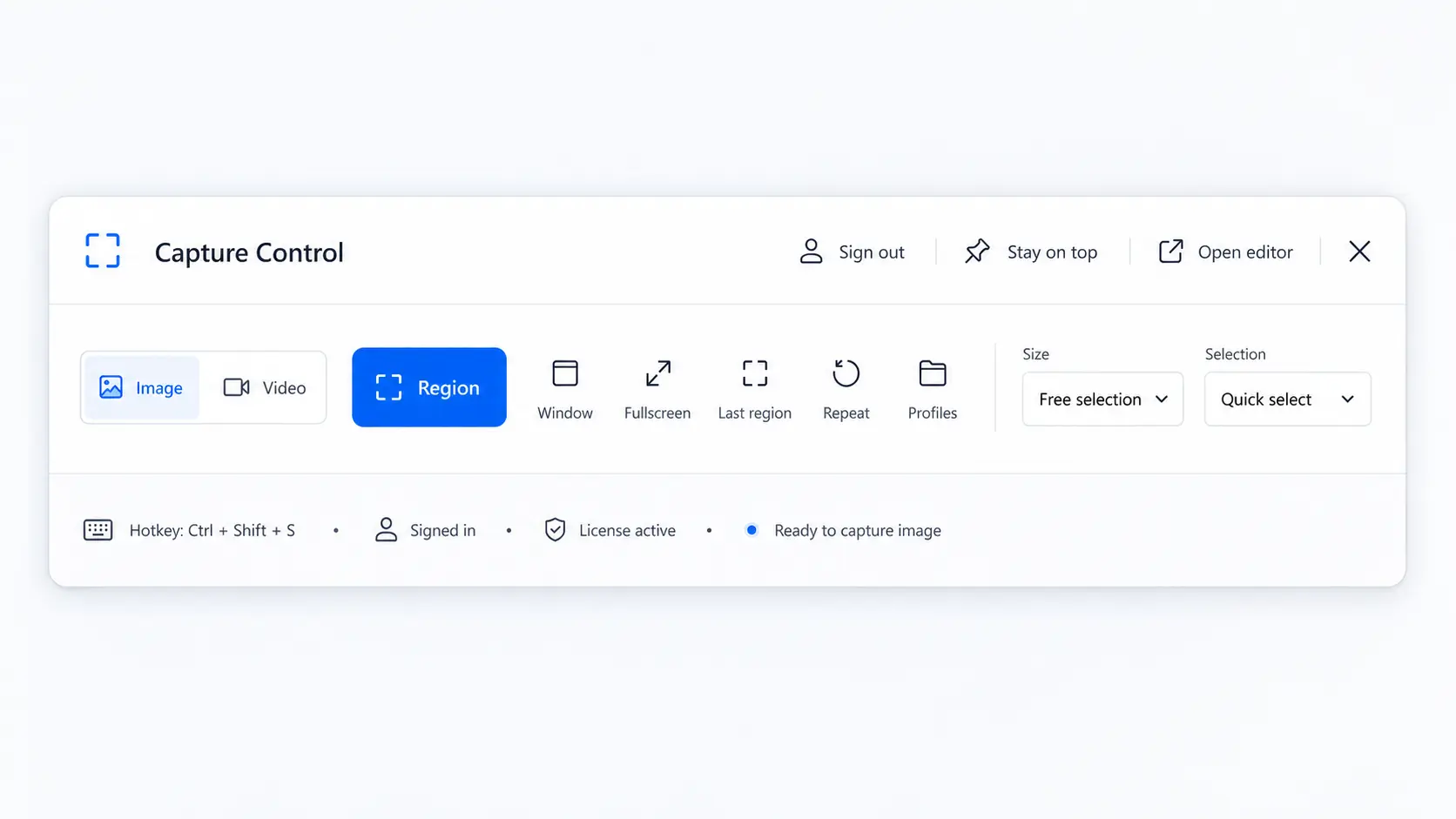
For people who’d rather show than explain
Snixy is a lightweight Windows capture tool for screenshots and short recordings. Take a screenshot, mark what matters, send one clear answer. No meeting. No long email. No endless chat thread.
How Snixy works
One shortcut. Any target — region, window, fullscreen, or last area. In the editor before you’ve moved your hand.
Callouts, arrows, highlights, sticky notes. One click to copy or save. Drop it into any ticket, doc, or thread.
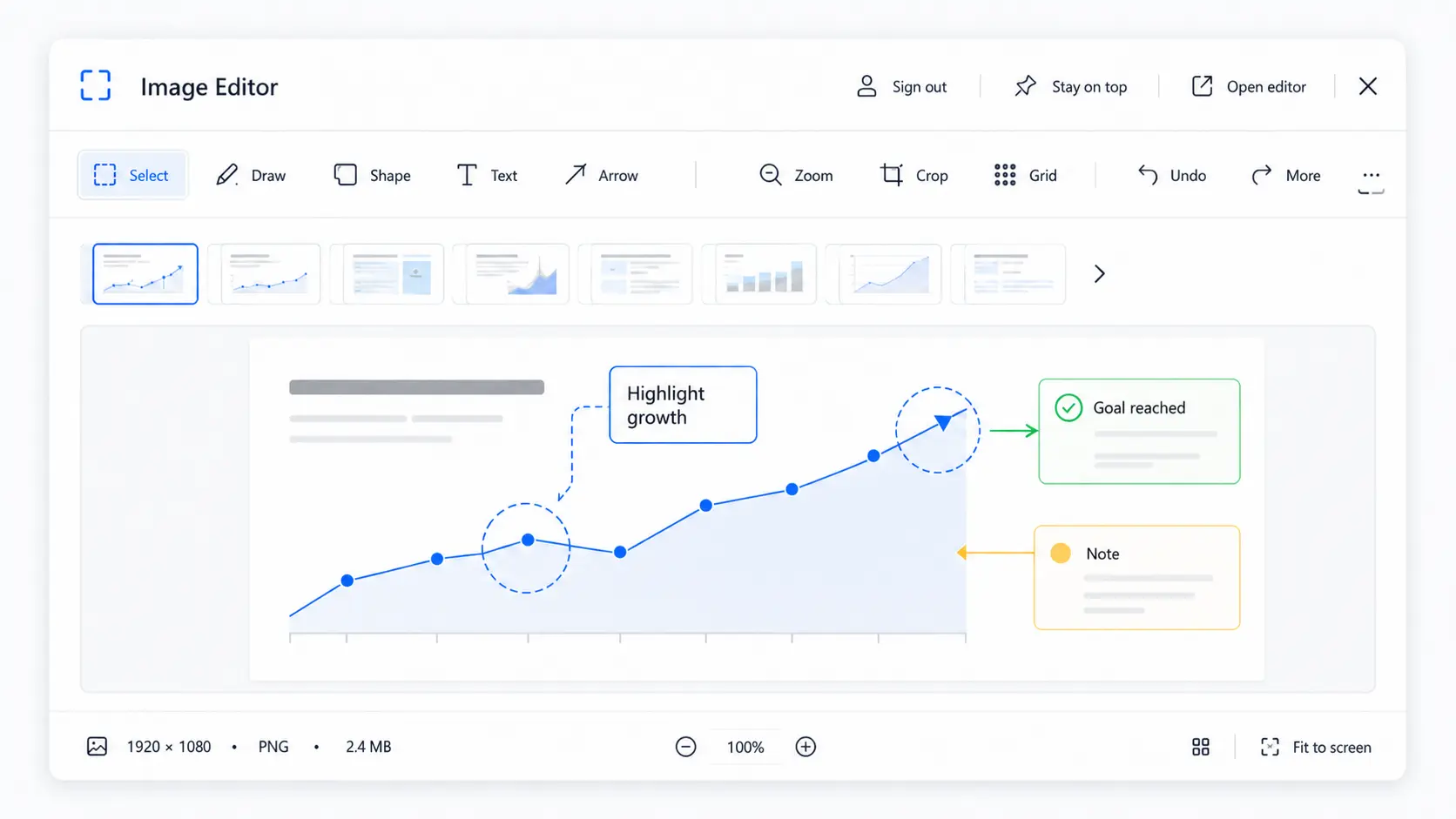
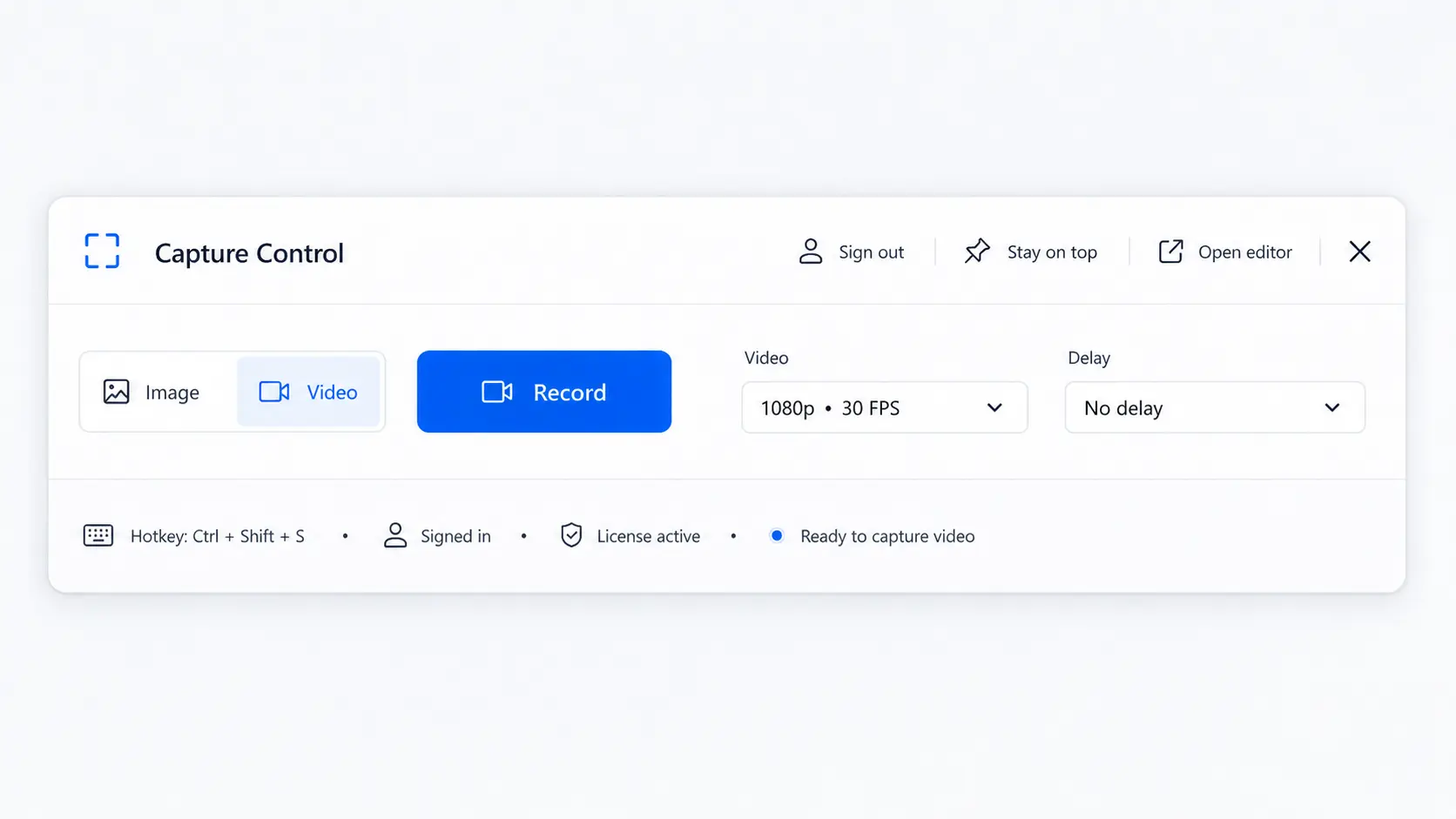
Set the region, hit record, run through it. Stop, and it’s in the editor — ready to trim.
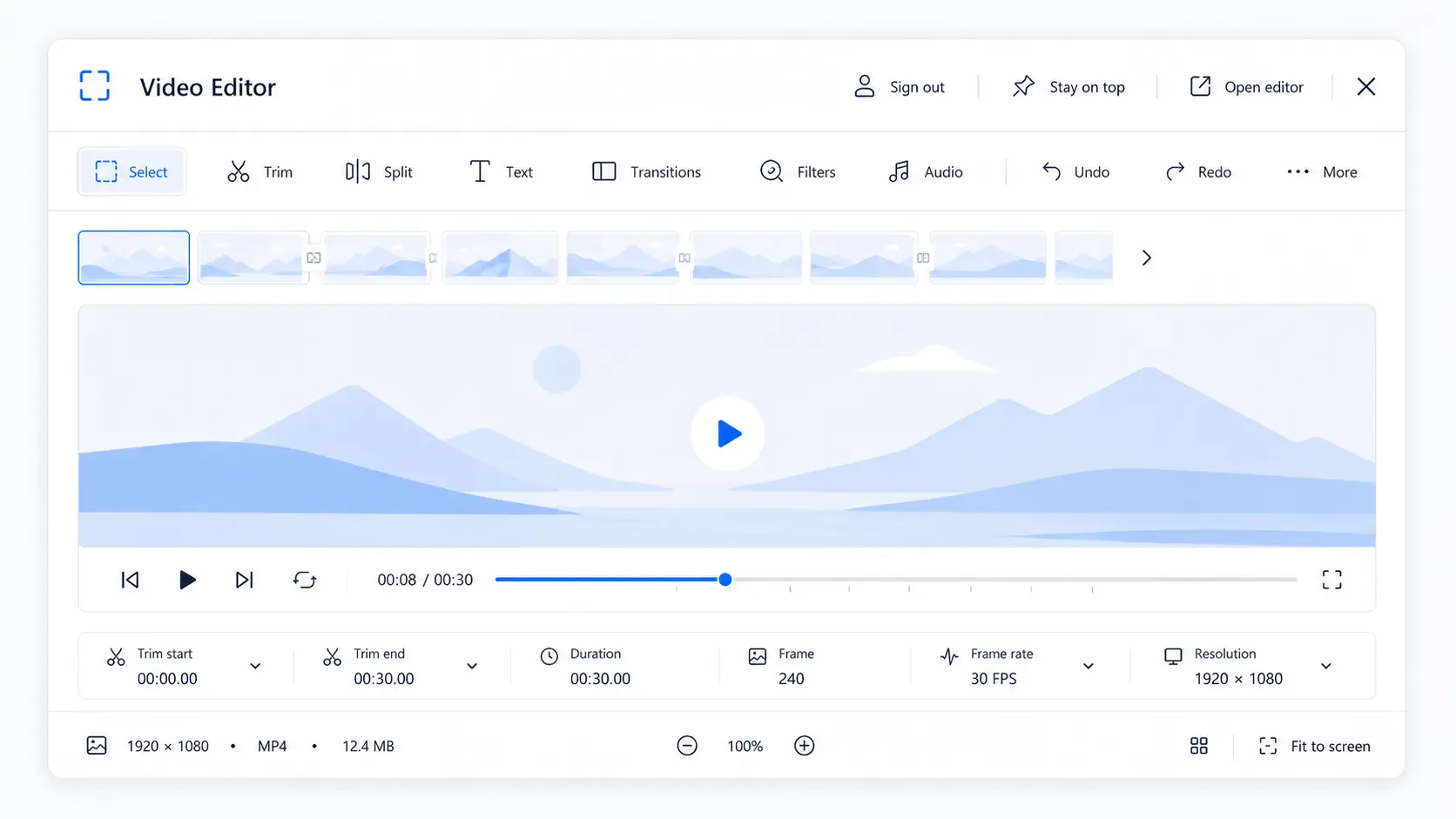
Cut the fumble at the start, the dead air at the end. Export as MP4 — polished, not improvised.
Show exactly what failed, where it happened, and what the fix needs to address.
One marked screenshot, and the ticket moves forward.Highlight the exact UI detail, edge case, or copy issue — without a paragraph to explain it.
One screenshot says more than three paragraphs of feedback.Turn repeatable processes, onboarding, and internal workflows into clear visual guides.
Capture the screen, mark the step, ship the doc.